
Reactions ᴺᴱᵂ
Let readers react to an article with a single tap
The Reactions component displays a question and a set of reaction options. Readers vote with a single tap, see how others voted (per-option percentages and a total vote count), and can tap their reaction again to undo the vote.
The component is independent of the Conversation components — embed it anywhere in your article layout, on its own or alongside a Conversation.
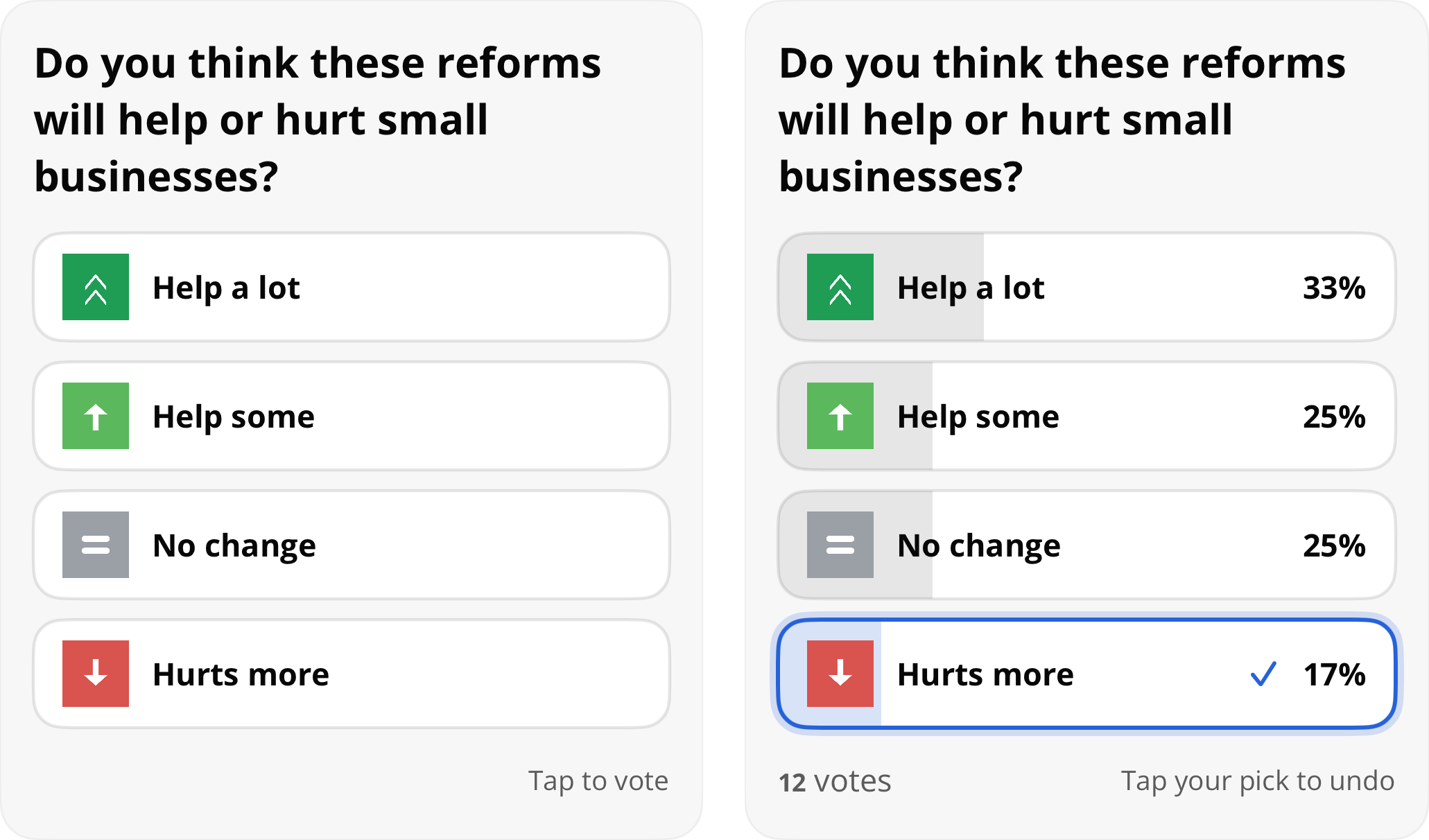
Reactions before and after voting
PrerequisitesSet your
spotIdbefore displaying reactions. YourspotIdis provided by your PSM.OpenWeb.manager.spotId = "your_spot_id"The Reactions feature must be enabled for your spot — contact your PSM to enable it. When the feature is disabled, the view stays hidden.
SDK Version Compatibility
Reactions is available starting from OpenWeb iOS SDK version 3.2.0.
SwiftUI
OpenWebReactions is a native SwiftUI View. Place it directly in your view hierarchy:
import OpenWebSDK

struct ArticleView: View {
    var body: some View {
        ScrollView {
            articleContent
            OpenWebReactions(postId: "my-post-id")
        }
    }
}
To show a specific reactions theme:
OpenWebReactions(postId: "my-post-id", themeName: "sports")UIKit
getReactions() on the OWUIComponents protocol creates a reactions view for embedding in your own layout. It is available in both async/await and completion-handler variants:
let components = OpenWeb.manager.ui.components

do {
    let reactionsView = try await components.getReactions(postId: "somePostId")
    // Add reactionsView as a subview
} catch {
    // Handle error
}
let components = OpenWeb.manager.ui.components
components.getReactions(postId: "somePostId") { result in
switch result {
case .success(let reactionsView):
// Add reactionsView as a subview
case .failure(let error):
// Handle error
}
}Constrain the view's width; it determines its own height from its content.
Themes
A reactions theme defines the question and the set of reaction options. Themes are configured for your spot — contact your PSM to add or change them. Pass the theme's name in the themeName parameter to choose which one an article displays. When omitted, the "default" theme is used.
OpenWebReactions(postId: "my-post-id", themeName: "sports")let reactionsView = try await components.getReactions(
postId: "somePostId",
themeName: "sports"
)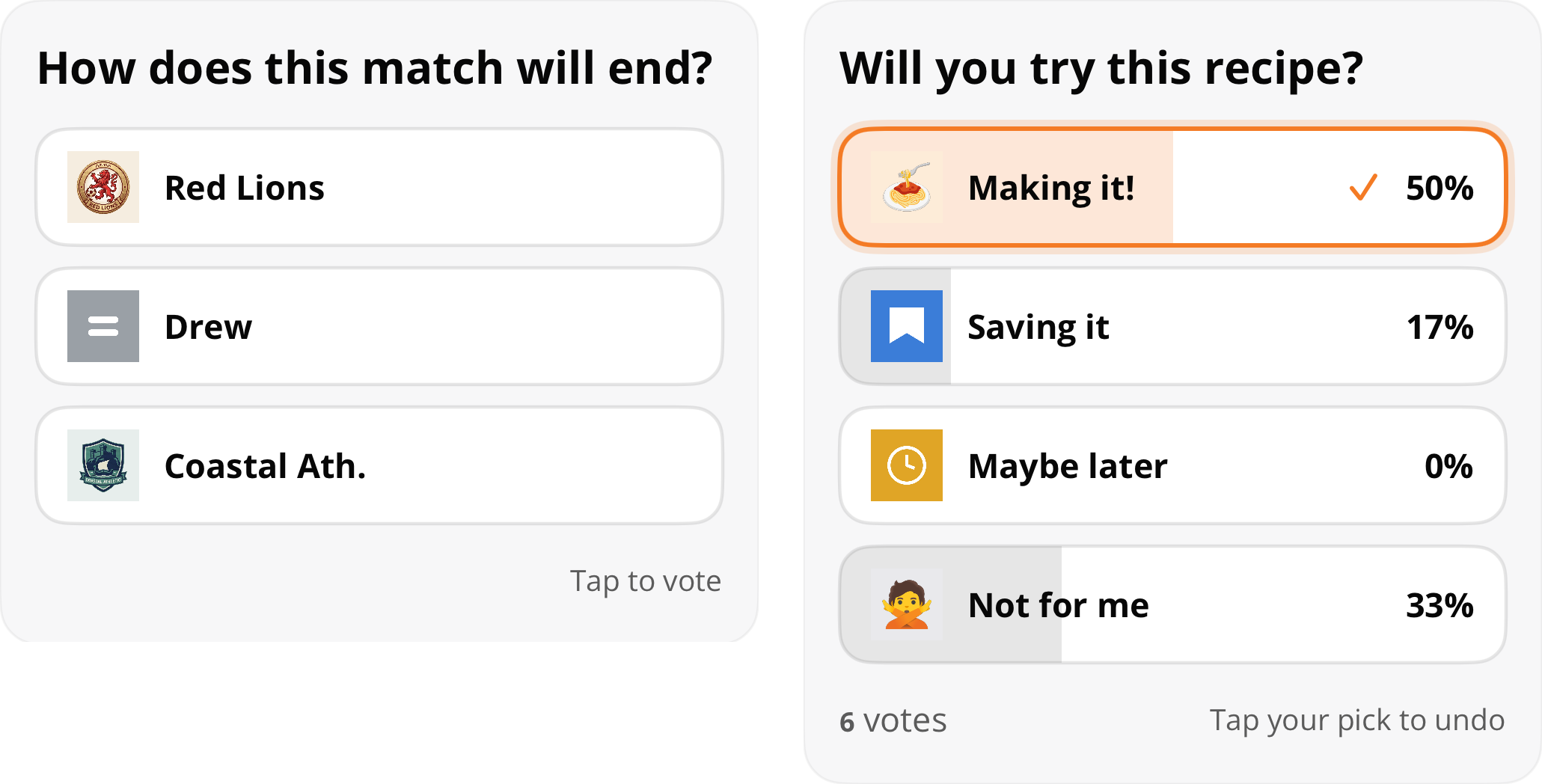
Two reactions themes with different questions and reaction options
Updated about 1 month ago